Moving to Mizzou
Before You Move In

Check it Twice
Review our move-in checklist to organize what you need to bring – and to leave behind what you don’t.
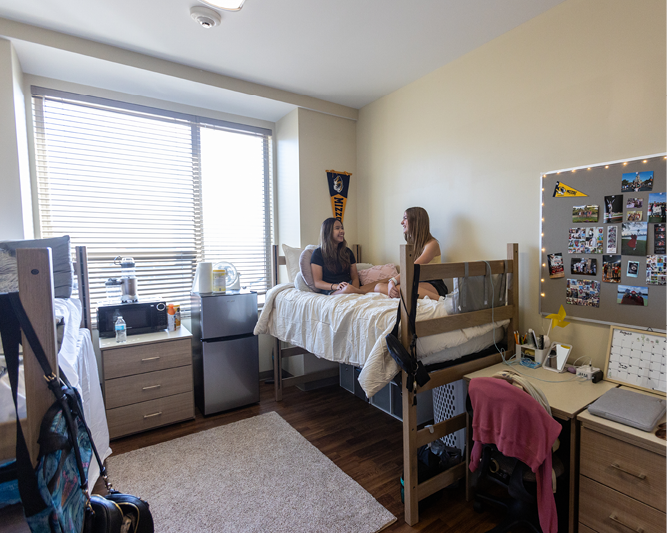
All About Your Room
Review room dimensions, layouts, building amenities and more on your hall's page.
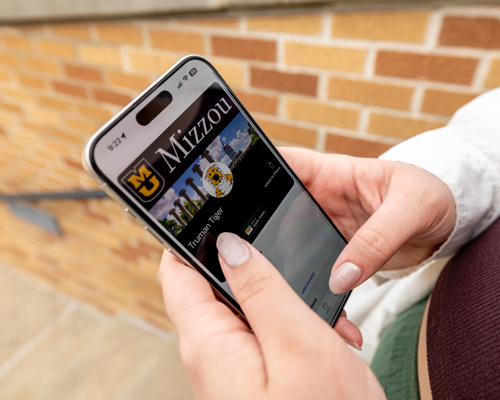
Creating and Using Your MU ID Card
Submit your ID card info in the GET app and get access to your Mizzou Mobile ID!

Parking Your Car
Campus is very walkable, so most students won’t need a car but if you do, you can apply for a permit, explore FAQs and more.

Move-In Appointments
This is the window of time where you get everything out of the car and into your room. Choosing a timeslot lets us know when to expect you and helps you avoid long wait times.
You can book your move-in appointments starting in July.
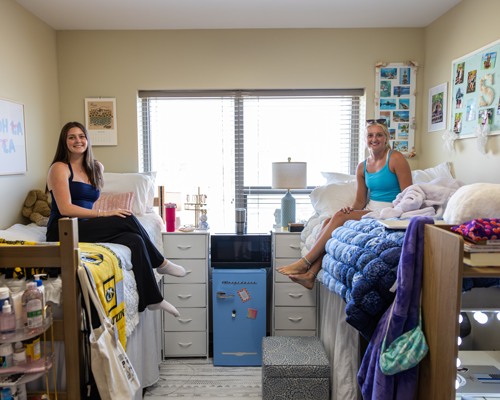
MicroFridge Rentals
Purchasing appliances you'll only use for the academic year? Save your wallet and room in the car by renting a microfridge from our official partner, USS.
While You're On Your Way
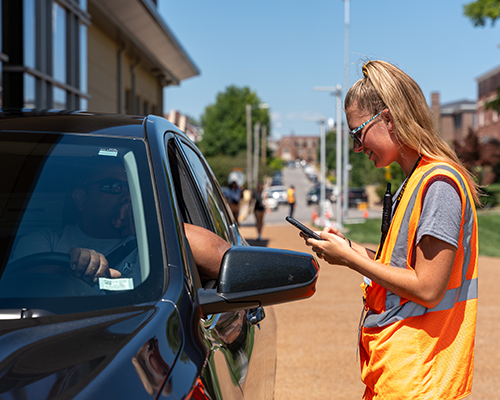
Move-In Maps
Traffic patterns will change for move-in. Know where to go with our move-in maps! Please note: There may be construction on I-70 and Highway 63 that could impact your travel time. Refer to the MoDot map for updates.
Screenshot Your QR Code
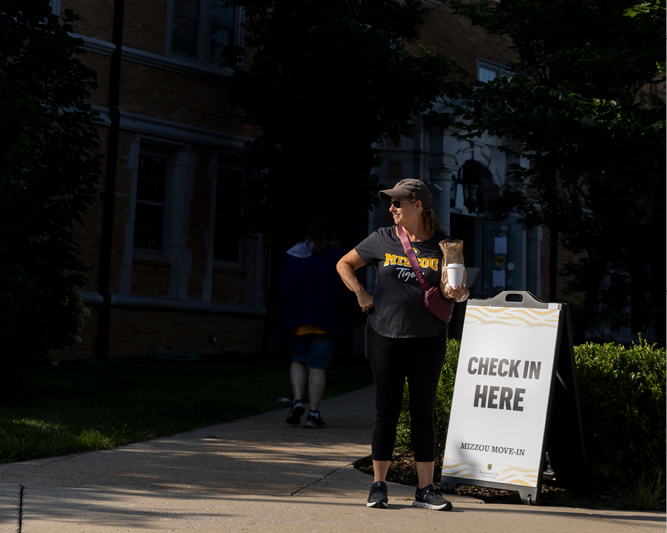
Move‑in is like a concert — and no, we’re not just talking about the excitement! Head to the Housing Portal later this summer and screenshot your QR code under the “My Assignments” page. Just like a concert ticket, it’ll make your check‑in a lot snappier!
Once You're Settled In

Prepare for Welcome Week
After move-in, what’s next? Welcome Week! This is a 5-day celebration welcoming you to campus and to Mizzou. It overflows with signature events and activities to connect you with your fellow Tigers—and to ensure you have a blast!

Set Up Your Devices
If you haven’t set up your technology for classes yet, visit the Tech Stop Aug. 16 and 20-24 in the MU Student Center, where you can get help setting up your devices. You can also visit the TigerTech Service Desk in the lower level of The Mizzou Store.
Fuel Your Mizzou Journey
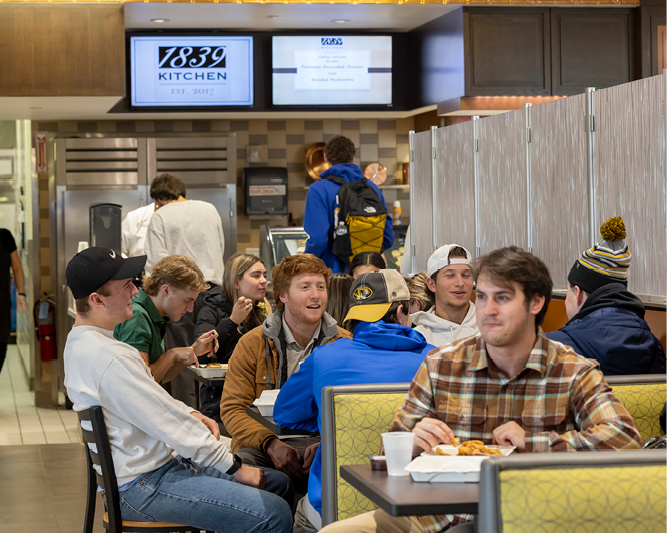
Familiarize yourself with your meal plan and other dining resources at Mizzou.
No Mobile ID for move-in?
Here's how to get into your hall in the meantime.
Activate Mizzou Mobile ID
Access your Mizzou Mobile ID through the GET app on your smartphone. It opens your hall's exterior doors, and if you have an electronic door lock, it is the key to your room. Through the GET app, you will need to download your Mobile ID to your Apple Wallet or Android phone.
Mizzou at UCentre
To access the building and your room, UCentre has a fob independent from your Mizzou Mobile ID. At Mizzou at UCentre, you will receive your fob and key at the UCentre front desk.
Hard Key Halls
To enter your exterior hall door, check your MU email for instructions. To enter your room or suite, check out your hard keys from the front desk serving your hall.
Halls: Respect, Responsibility, Discovery, Excellence
Electronic Lock Halls
To access both the exterior hall doors and your student room, go to Open My Door. If you do not have your Mizzou Mobile ID activated in the GET app, check your MU email for instructions. If you are in a converted room, see Hard Key instructions.
Halls: Bluford, Brooks, Center, College Avenue, Defoe-Graham, Dogwood, Galena, Gateway, Gillett, Hatch, Hawthorn, Hudson, Johnston, Mark Twain, McDavid, North, Schurz, South, Wolpers